


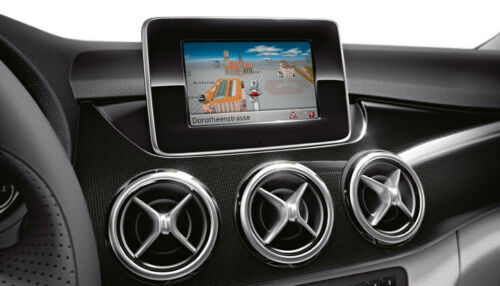
1. VERY IMPROTANT… back you all the files on the root of your device before you do anything (i.e. drag and drop all the files inside “Becker MP” drive to a safe location on your computer).
2. Once the back up is complete delete all the files from the becker device and empty your trash bin
3. Extract all the .rar files make device.xmlt readonly or lock the file if using a Mac (They were readonly or locked but winrar removed this on compression but do use winter not JDownloader.) and copy the extracted files onto the becker device without altering any other files.
4. Plug into your car and the maps should work and check the map versions in settings.
device.xml and device.xmlt Make device.xmlt readonly or lock the file if using a Mac. (They were readonly but winrar removed this on compression)
new models BMP models:
M054- M075- M076- M083- M084- M085- M092- M097- M087
old Models:
(9077, BE 9077, M013, M041, M045, M046, M050 und M051)
(For the 4GB models (9077) you need a sd card , copy the folders APD, MapRegionsPSF50 and Navi to the SD and all the rest to the Becker Map Pilot)
I have already edited the data for the old models to v 18, so ready for use
only use winrar v 5.xx
hoster: uploaded
WinRar V 5.80 benutze nur winrar v 5.xx
format OLD 5.61GB
format new models: 5.60gb
Download section, see bottom of this page


