


Installation:
First install WinOLS_Testversion.exe & launch program, configure as required
Once the application is opened, close it & uninstall via "Add or Remove Programs" in control panel or "Programs & Features" for Win7
Copy n paste OLS_LangE.dll to EVC folder in Program Files
Now run again the program using the shortcut on the desktop & configure as required ....
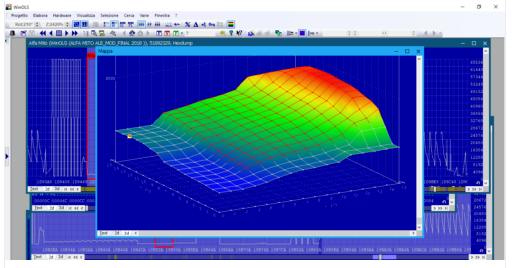
You should now have a working WinOLS 2.26
Section téléchargement, voir en bas de cette page
Download section, see bottom of this page


