


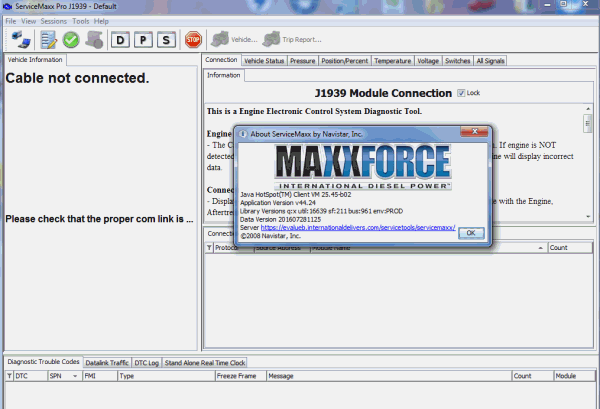
ServiceMaxx™ is a diagnostic and programming service tool for Navistar® Engines. A fully-featured PC application, ServiceMaxx is designed to meet the wide range of diagnostic challenges when servicing a mixed truck fleet. Coverage includes legacy J1708 electronic engine systems, allowing you to run special tests, change parameters, view and graph engine data.
Basic Features:
Read Fault and clear diagnostic fault codes
View, graph and save engine data
Advanced Features
Diagnostic Tests
KOEO – Key On Engine Off
KOER – Key On Engine Running
KOEO – Injector Buzz Test
KOER – Injector Contribution Test
Cylinder Cutout Test (EPA 04′ and newer)
Injector Disable Tests (EPA 04′ and newer)
Display and change configurable Parameters
Crank Inhibit
Fan Control
Idle Shutdown Timer
Warm-up Device
Warning and Protection System
Hydraulic Pressure Governor
PTO Control
Radiator Shutter
Vehicle Speed Limit
Vehicle Retarder
Two Speed Axle
Traction Control
Minimum System Requirements:
Microsoft® Windows® Vista, or Windows 7
1GHz Intel Core 2 Duo, AMD Athlon X2 or better
2GB (32-bit) or 4GB (64-bit) of RAM
300MB of available hard disk space
1024 x 768 pixel monitor
One or more RP1210A compatible communication devices with SAE J1708
NOTE: Make sure to close ServiceMaxx before installing a new version
Download section, see bottom of this page


